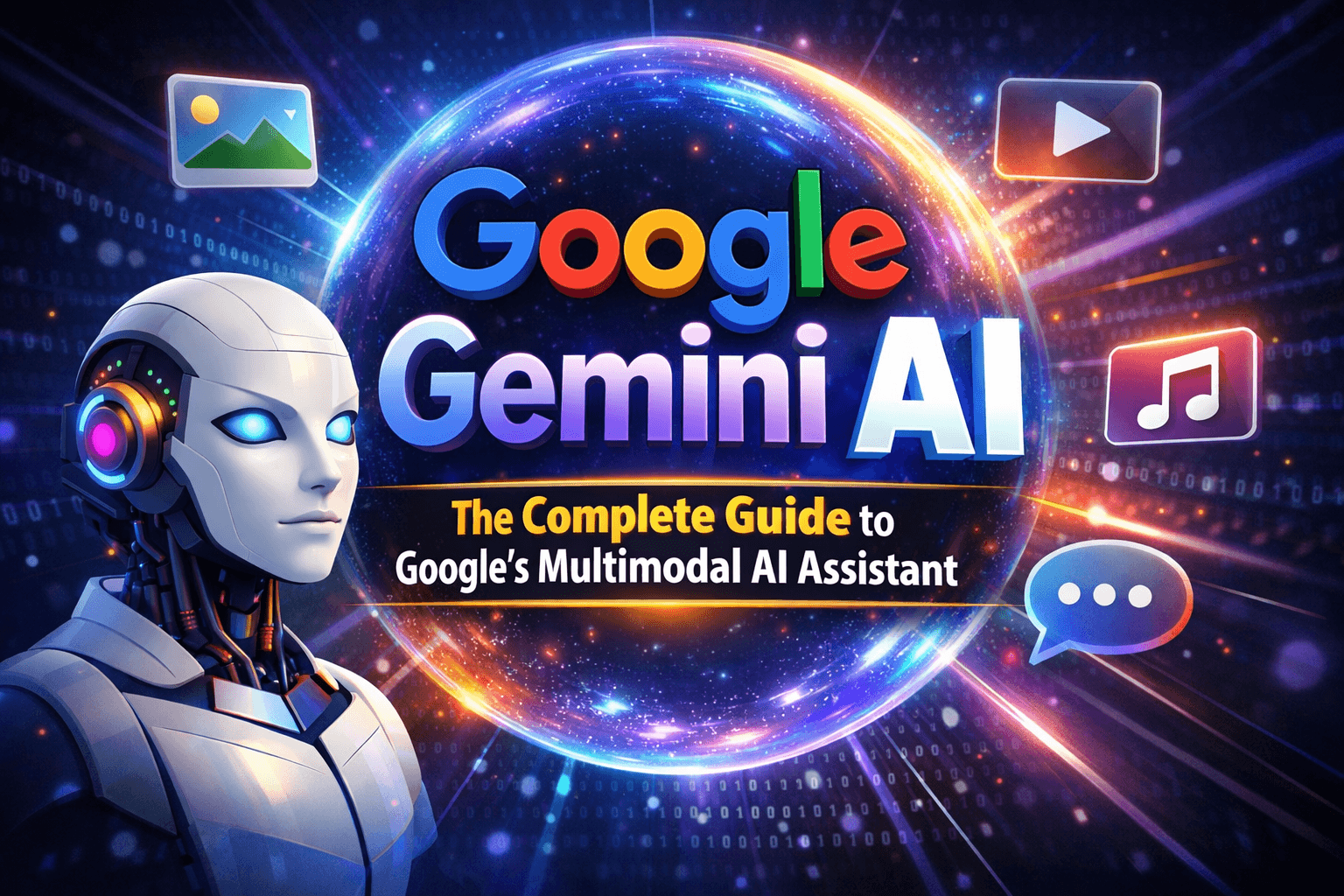
Google Gemini AI: The Complete Guide to Google's Multimodal AI Assistant
Everything you need to know about Google Gemini AI - from its powerful multimodal capabilities to practical applications, limitations, and how to get started in 2026.
Google Gemini AI: The Complete Guide to Google's Multimodal AI Assistant
Google Gemini AI represents a significant leap forward in artificial intelligence, offering multimodal capabilities that can process text, images, audio, and even code simultaneously. As Google's most advanced AI model to date, Gemini has become a cornerstone of their AI strategy. This comprehensive guide will walk you through everything you need to know about Gemini AI in 2026.
What is Google Gemini AI?
Gemini AI is Google's flagship large language model and multimodal AI system, designed to understand and generate content across multiple modalities. Unlike traditional AI models that specialize in text-only interactions, Gemini can seamlessly work with:
- Text: Natural language understanding and generation
- Images: Visual content analysis and generation
- Audio: Speech processing and synthesis
- Video: Video content understanding
- Code: Programming assistance and code generation
Key Features and Capabilities
Multimodal Understanding
Gemini excels at processing multiple types of input simultaneously. For example, you can:
- Describe an image while asking questions about it
- Generate code based on a screenshot of a UI design
- Analyze video content and provide detailed summaries
- Combine text and images to create rich, contextual responses
Advanced Language Processing
- Natural Conversations: Fluid, context-aware dialogue
- Multilingual Support: Over 100 languages supported
- Code Generation: Supports 20+ programming languages
- Mathematical Reasoning: Advanced problem-solving capabilities
- Real-time Translation: Instant language translation
Integration Ecosystem
Gemini is deeply integrated across Google's ecosystem:
- Google Workspace: Enhanced productivity in Docs, Sheets, Slides
- Android Devices: Native integration in Pixel phones and Android
- Google Cloud: Enterprise-grade AI solutions
- Chrome Browser: Web-based interactions
- Bard/Gemini Chat: Direct conversational interface
Gemini AI Models and Variants
Gemini 1.0 (Original)
The foundational model with strong multimodal capabilities, released in December 2023.
Gemini Ultra
The most powerful version, designed for complex reasoning tasks and enterprise applications.
Gemini Pro
Balanced model optimized for most general use cases, offering excellent performance at reasonable costs.
Gemini Flash
Lightning-fast model prioritizing speed over maximum accuracy, perfect for real-time applications.
Gemini Nano
Compact model designed for mobile devices and edge computing, enabling offline AI capabilities.
Practical Applications and Use Cases
Creative Content Creation
Image Generation and Editing
// Example: Generate images with Gemini
const prompt = "A futuristic cityscape at sunset with flying cars";
const image = await gemini.generateImage(prompt);
Content Writing
- Blog posts and articles
- Marketing copy
- Social media content
- Creative writing assistance
Programming and Development
Code Generation
# Gemini can generate, explain, and debug code
def fibonacci_optimized(n):
    if n <= 1:
        return n
    a, b = 0, 1
    for _ in range(2, n + 1):
        a, b = b, a + b
    return b
Code Review and Debugging
- Automated code analysis
- Bug detection and fixes
- Performance optimization suggestions
- Security vulnerability scanning
Business and Productivity
Data Analysis
- Spreadsheet automation
- Financial modeling
- Market research summarization
- Report generation
Customer Service
- Intelligent chatbots
- Automated email responses
- Support ticket classification
- Knowledge base queries
Education and Learning
Personal Tutoring
- Subject-specific explanations
- Practice problem generation
- Study guide creation
- Language learning assistance
Research Assistance
- Literature reviews
- Data visualization
- Academic writing support
How to Get Started with Gemini AI
Access Methods
1. Gemini Web Interface
Visit gemini.google.com for the direct web experience.
2. Google AI Studio
For developers: aistudio.google.com
3. Mobile Apps
- Gemini App: Available on Android and iOS
- Google Assistant: Integrated Gemini capabilities
4. API Integration
// Using Gemini AI API
import { GoogleGenerativeAI } from '@google/generative-ai';

const genAI = new GoogleGenerativeAI('your-api-key');
const model = genAI.getGenerativeModel({ model: 'gemini-pro' });

const result = await model.generateContent('Explain quantum computing');
console.log(result.response.text());
Setting Up Your Environment
For Web Development
npm install @google/generative-aiFor Python Development
pip install google-generativeaiPros and Cons of Gemini AI
Advantages
✅ Multimodal Capabilities
Seamlessly processes text, images, audio, and video together.
✅ Google Ecosystem Integration
Deep integration with Workspace, Android, and other Google services.
✅ Strong Reasoning Abilities
Excellent at complex problem-solving and logical reasoning.
✅ Multilingual Support
Supports over 100 languages with high accuracy.
✅ Cost-Effective
Competitive pricing compared to other premium AI models.
✅ Safety and Ethics
Built-in safety measures and responsible AI practices.
Limitations
❌ Occasional Inaccuracies
Can sometimes generate incorrect information, especially for niche topics.
❌ Limited Customization
Less flexible for fine-tuning compared to open-source models.
❌ Internet Dependency
Requires internet connection for most features (except Nano).
❌ Learning Curve
Complex interface may be overwhelming for beginners.
❌ Regional Restrictions
Limited availability in some countries.
Gemini AI vs Competitors
| Feature | Gemini AI | GPT-4 | Claude 3 | |---------|-----------|-------|----------| | Multimodal | ✅ Excellent | ⚠️ Limited | ❌ Text-only | | Code Generation | ✅ Strong | ✅ Excellent | ✅ Very Good | | Real-time | ✅ Fast responses | ⚠️ Variable | ✅ Consistent | | Integration | ✅ Google ecosystem | ⚠️ Limited | ❌ Minimal | | Cost | 💰 Moderate | 💰💰 High | 💰 Moderate | | Safety | ✅ Strong | ✅ Strong | ✅ Excellent |
Best Practices for Using Gemini AI
Prompt Engineering
Be Specific Instead of: "Write a story" Try: "Write a 500-word mystery story about a detective solving a tech crime in San Francisco"
Provide Context Include relevant background information and specify the desired output format.
Use Examples Show Gemini what you want by providing examples in your prompts.
Privacy and Security
- Avoid sharing sensitive personal information
- Use Gemini's privacy controls
- Be aware of data retention policies
- Consider on-device processing for sensitive tasks
Productivity Tips
- Save Frequently Used Prompts: Create templates for common tasks
- Use Extensions: Leverage Chrome extensions and integrations
- Combine with Other Tools: Integrate with Zapier, Slack, etc.
- Set Up Custom Instructions: Personalize responses for your needs
Future Outlook and Roadmap
Google continues to invest heavily in Gemini AI with planned improvements including:
- Enhanced Multimodal Capabilities: Better video processing and real-time analysis
- Improved Reasoning: More sophisticated problem-solving abilities
- Expanded Language Support: Additional languages and dialects
- Edge Computing: More offline capabilities through Gemini Nano
- Industry-Specific Models: Specialized versions for healthcare, finance, etc.
Common Issues and Troubleshooting
Performance Issues
- Clear browser cache and cookies
- Try different browsers (Chrome recommended)
- Check internet connection stability
API Errors
// Error handling example
try {
  const result = await model.generateContent(prompt);
  return result.response.text();
} catch (error) {
  console.error('Gemini API Error:', error);
  // Implement retry logic or fallback
}
Content Filtering
Gemini has built-in safety filters. If you're getting blocked responses:
- Rephrase your prompt
- Avoid sensitive or controversial topics
- Use more neutral language
Conclusion
Google Gemini AI represents the cutting edge of multimodal artificial intelligence, offering powerful capabilities that extend far beyond traditional text-based AI assistants. Its seamless integration across Google's ecosystem, combined with strong multimodal processing abilities, makes it a versatile tool for developers, businesses, and everyday users.
While it has some limitations, particularly around customization and occasional inaccuracies, Gemini's advantages in multimodal processing and ecosystem integration make it a compelling choice for many applications. As Google continues to develop and refine Gemini, it will likely play an increasingly important role in how we interact with AI technology.
Whether you're a developer looking to integrate AI into your applications, a business seeking productivity tools, or an individual exploring AI capabilities, Gemini AI offers a powerful and accessible platform to explore the future of artificial intelligence.
Osama Qaseem
Software Engineer & Web Developer
Related Articles
7 Mistakes Teams Make Before Building Food & beverage trading catalog platform
Common food & beverage trading catalog platform mistakes Tekvers sees before projects like Wingz Impex—and how to avoid expensive rework.
ROI of Food & beverage trading catalog platform: Outcomes Patterned After Wingz Impex
How food & beverage trading catalog platform investments pay off—using Wingz Impex outcomes as a reference for visibility, speed, and operating leverage.
Related Articles
What Is an AI Receptionist and How Does It Work?
Clear explanation of AI receptionists—voice agents that answer calls, book appointments, qualify leads, and sync to CRM. How they work and who they are for.
CRM Integrations That Work: HubSpot, Salesforce, ERP Sync & AI
How to integrate HubSpot and Salesforce with your website, ERP, phone system, and AI receptionist—data rules, sync patterns, and common pitfalls.
Business Process Automation in 2026: n8n, Make, Zapier, and Custom AI
Compare n8n, Make.com, Zapier, Power Automate, and custom AI agents for business process automation—when to use each and how to measure ROI.
Need Help with Your Project?
I offer full stack web development services, MERN stack development, and SaaS product development for startups and businesses.