Accounting & Financial Operations
Finance
Finance that links to sales and procurement — not a monolith.
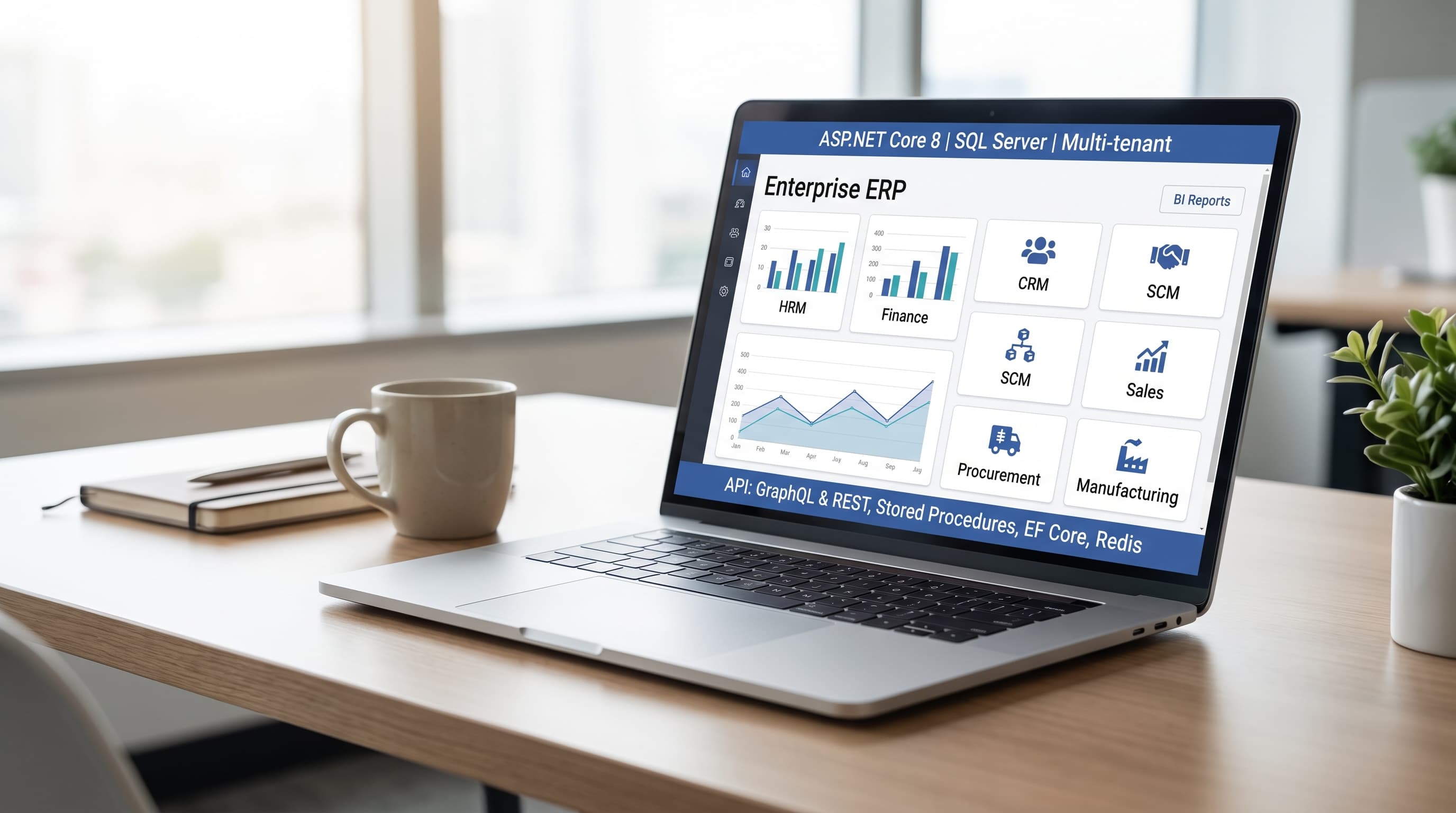
Overview
Controllers and accountants need a proper general ledger — chart of accounts, journal entries, AR and AP, payment application, and bank reconciliation — without buying an ERP that forces CRM and inventory on day one. Finance is rebuilt as an independently entitleable NestJS + Next.js product with its own API, portal, billing SKU, and schema prefix fin_. It covers currencies through bank accounts with service links to CRM, POS, and procurement for document-driven posting workflows — each module keeping its own data boundary.
Ideal for
Controllers managing GL and period close, accountants handling AR/AP and payment application, finance managers running multi-currency and bank accounts, and suite operators entitling Finance when back-office is ready — not on day one of CRM.
Problems it solves
- ▸Chart of accounts, journals, and trial balance live in Excel — month-end close is a fire drill
- ▸Sales orders in CRM and purchase invoices in procurement do not flow to the ledger
- ▸Exchange rates and currency codes are manual lookups instead of system-managed
- ▸Applying customer payments to open invoices requires cross-referencing three screens
- ▸Finance was bundled into a CRM you did not want — you need GL and AR/AP, not a full suite rewrite
Features
- ▸Currencies and chart of accounts — codes, exchange rates, hierarchical COA
- ▸Journal entries — draft and post with line-level debits and credits and audit trail
- ▸Accounts receivable — AR invoices with payment terms; link intent from CRM sales orders
- ▸Accounts payable — AP bills from vendors; link intent from procurement purchase invoices
- ▸Payments and banks — record payments, apply to open invoices/bills, bank account management
- ▸Service links and webhooks — Platform link-activated events for cross-product posting
Modules
Currencies and chart of accounts
Currency codes, exchange rates, and hierarchical chart of accounts structured for your entity.
Journal entries
Draft and post journal entries with line-level debits and credits. Audit trail on posted entries for period close.
Accounts receivable
AR invoices with payment terms. Link intent from CRM sales orders when both products are entitled and integrated.
Accounts payable
AP bills from vendors. Link intent from procurement purchase invoices when procurement is linked.
Payments and banks
Record payments, apply to open invoices and bills. Bank account management against posted transactions.
Service links and webhooks
Platform link-activated webhooks for cross-product document events — CRM, POS, and procurement posting intent without shared ledger tables.
Benefits
- ▸Structured COA through GL — not spreadsheets and fire-drill month-end closes
- ▸AR and AP in one finance product with payment application workflows
- ▸Multi-currency support with system-managed exchange rates
- ▸Linked posting intent from CRM sales orders and procurement invoices when siblings are entitled
- ▸Standalone runnable — manual journals, AR, AP, and banks without CRM on day one
- ▸Zero shared ledger database with CRM, POS, or procurement — webhooks and service links only
Use cases
- ▸Month-end journal post: accountant drafts entries, reviews debits and credits, posts to GL — trial balance reflects period close
- ▸CRM sales order invoices: shipped sales order triggers AR invoice creation when CRM and Finance are linked; payment terms carry over
- ▸Vendor bill from procurement: goods receipt in Procurement creates AP bill in Finance for payment scheduling
- ▸Customer payment received: treasury records payment, applies to open AR invoices, updates customer balance
- ▸Multi-currency invoice: export sale in EUR with exchange rate from Finance currency table; GL posts in functional currency
Implementation
1. Set up COA and currencies
Configure chart of accounts, functional currency, and exchange rates for your entity structure.
2. Entitle and link
Enable Finance SKU on Suite Platform; register service links to CRM and Procurement for document-driven posting.
3. Post journals
Draft, review, and post manual and system-generated journal entries through period close.
4. Manage AR/AP
Create invoices and bills; record and apply customer and vendor payments.
5. Reconcile banks
Track bank accounts against posted transactions and reconcile for treasury control.
Technologies
FAQ
Does Finance share a ledger database with CRM?
No. Each product owns prefixed tables. Posting flows through service links and webhooks, not joined schemas.
Can I run Finance without CRM?
Yes. Manual journals, AR, AP, and bank accounts work standalone. CRM integration adds automated AR intent from sales orders.
Is multi-entity consolidation supported?
Single-entity COA and journals are scaffolded. Multi-entity consolidation is a future extension.
What about fixed assets and depreciation?
Finance scaffold focuses on core GL, AR/AP, and banks first. Fixed assets and depreciation are planned extensions beyond current scope.
How does automated posting from CRM work?
Full automated AR posting from CRM sales orders depends on both products being entitled and linked via Platform service links. Validate your workflow in discovery before assuming hands-free close.
Add a proper ledger on your timeline
Entitle Finance when back-office is ready — link CRM and procurement for document-driven posting without buying the whole suite on day one.
Contact me →